Your funnel report is only as true as the field underneath it. That field can have six different writers, and they disagree with each other.

Your funnel report is only as true as the field underneath it. That field can have six different writers, and they disagree with each other.
Lifecycle stage answers one question: where does this relationship stand right now? Subscriber, lead, marketing qualified, sales qualified, opportunity, customer, evangelist, other.
It does not answer how interested someone is. That is a score. It does not answer what stage a deal is in. That is a deal stage on a pipeline. And it does not answer whether sales has accepted the lead, which is what the Lead object exists for.
Most lifecycle problems come from the field being asked to do two of those jobs at once.
Four things break it: no written definition, more than one writer, imports, and a sparse distribution that is actually correct.
This is the root cause behind most of the others. Ask three people what makes someone an MQL at your company and you get three answers, usually some version of "they seem interested." A stage with no entry criterion cannot be applied consistently, so it gets applied by whoever touches the record, which means it gets applied inconsistently.
The tell: a stage distribution that correlates with who owns the record rather than with anything the contact did.
A form sets it. A workflow sets it. HubSpot's own automatic lifecycle updates set it based on deal associations: a contact associated with a deal becomes an opportunity, and one with a closed deal becomes a customer. A rep sets it by hand because the automated value looked wrong. An integration sets it on sync. And as of HubSpot's Fall 2026 release, the CRM itself can propose property updates from calls, emails and meetings; if lifecycle stage is one of the fields it is allowed to touch, that is a sixth writer.
Now the value is whatever wrote it last, which is why the classic symptom is a stage that reverts. It is rarely a bug. It is two writers disagreeing, and the one that runs more often wins.
The worse version is a writer nobody can name. In one of the two portals we audited in August, roughly one contact in six sat at MQL or SQL while every lead-scoring workflow that would set those stages was switched off. Something was setting them; nobody could say what. A stage you cannot trace to a writer is a stage you cannot report on.

A list gets imported with a lifecycle column filled in from a spreadsheet somebody exported six months ago, and several hundred customers quietly become leads again. Then the workflow that watches for "becomes a lead" fires, and now they are in a nurture sequence about your introductory offer.
Worth checking before you fix anything. Some teams qualify on the Lead object rather than on contact lifecycle, deliberately. In that setup a thin lifecycle distribution is not a gap, it is the design.
In the other portal we audited in August, the lifecycle chart looked broken: over 95% of contacts sat at Lead or Subscriber. It was correct. Qualification ran on the Lead object by design, so MQL and SQL were left empty on purpose. That is why this reason is on the list: check it before you call a thin distribution a finding.
Fix definitions first, then writers, then direction rules, then the data, then the documentation. The order matters more than any individual step: automation cannot invent a definition, it can only enforce one.
One sentence per stage, stating what has to be true to enter it. Not what the stage is called. What is observably true.
A workable starting set, which you should adapt rather than copy:
Get sales to agree to the MQL and SQL lines out loud. If they will not agree, you have found the actual problem and it is not a HubSpot configuration issue.
If you are on Service Hub Pro or Enterprise, HubSpot's system-managed Current Customer property can key off your lifecycle stage, which is one more reason to write the Customer definition down.
For each stage, decide the single mechanism that sets it. One workflow, one form, one rep action, one integration. Write the list down. Then go find every other thing currently writing the field and turn it off.
Two specific settings to check while you are in there. HubSpot can update lifecycle stage automatically based on a record's deal associations, and that automatic behavior will happily fight your workflow. Decide which one you want and disable the other. And check whether lifecycle is set to sync from an integration, because integration syncs are the writer people forget.
Lifecycle is conventionally forward-only: a customer does not become a lead again just because they downloaded something. HubSpot's default automatic updates only move the stage forward, but a workflow or an import can move it backwards, and so can anything else you allow to write the field. Decide the rule explicitly, then make sure nothing in your setup violates it.
If you genuinely need a backwards move, for example a churned customer being re-marketed to, handle it with a separate property rather than by rewriting history in the lifecycle field.
Do not bulk-update until steps one to three are done, or you will be cleaning the same records again in a month. When you do:
Test on a small set first. Always.
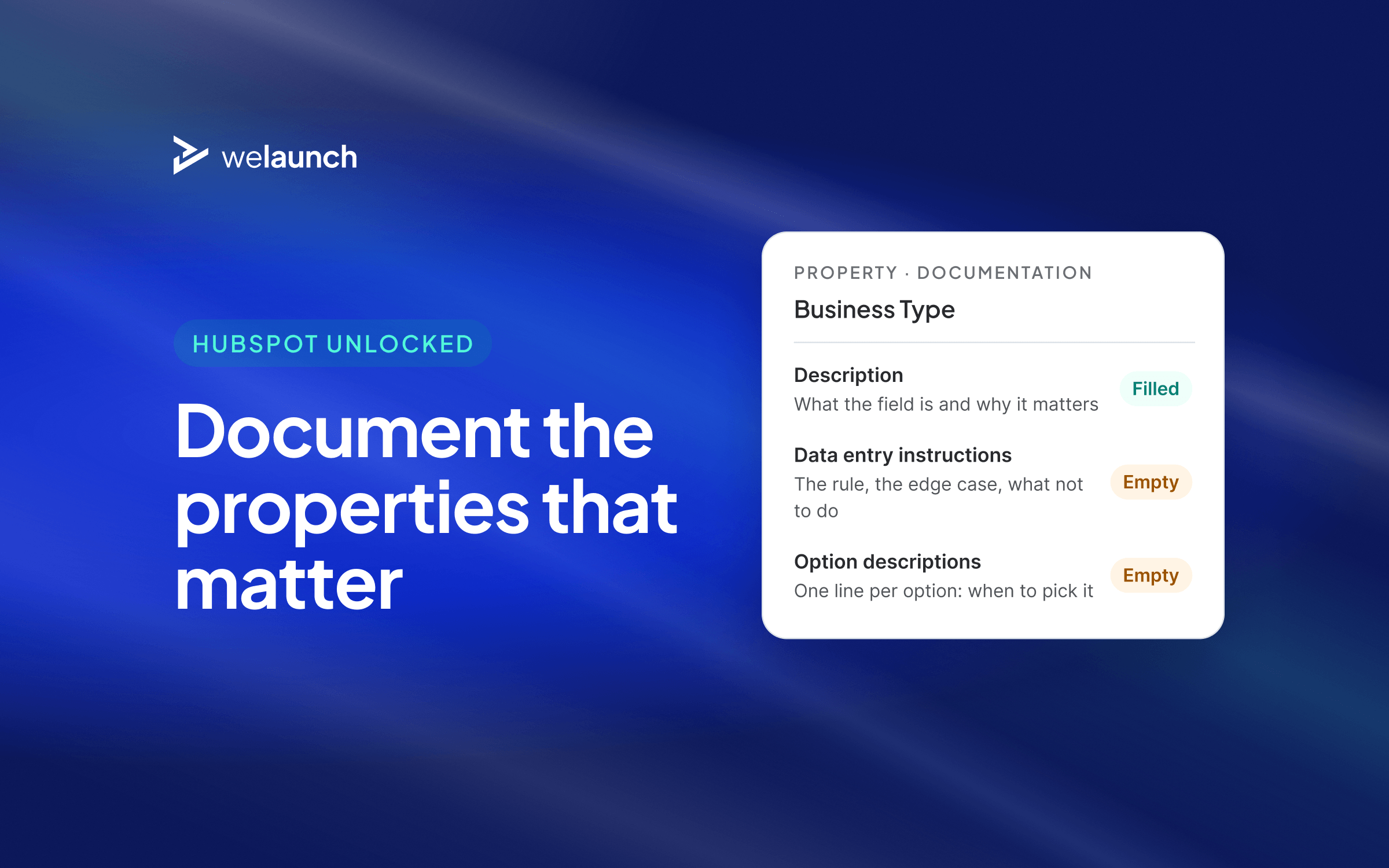
Put the definition in the property description so it shows on the record where people can read it, and put the rules in the data entry instructions. This takes ten minutes and it is the step that stops the whole problem recurring when the next person joins.
It matters more than it used to. As more of HubSpot's own features write to your records, a field with no written definition is one more thing every person and every tool has to guess at, which makes a missing description a compounding cost rather than a tidiness issue.
Skip the five steps if you qualify on the Lead object, or if one person does all the selling and your database fits in a single view. In that case a one-page definition and a quarterly look at the distribution chart is enough, and building enforcement workflows is effort aimed at a problem you do not have.
We treat lifecycle stage as a governance question, not a configuration one. The configuration takes an afternoon. Agreeing what an MQL is, and getting marketing and sales to say the same sentence about it, is the actual work, and it is the part that decides whether the configuration survives six months.
So when a client asks us to fix their lifecycle stages, the first meeting is not in HubSpot. That is deliberate, and it is why we structure working sessions with the client's team on the keyboard: a definition somebody else enforced for you is a definition that erodes the moment they leave.
The distribution chart tells you within about thirty seconds whether you have this problem. If you want the full picture, including which workflows are currently fighting each other for the field, that is dimension four of a HubSpot Portal Audit.